
Bolivar Warrant Checks
For a city citation, call the municipal-court clerk or Bolivar Police. The official court page covers Class C traffic and parking matters inside city limits. It offers no active-warrant search, bond amount, or recall form. A paper ticket or payment confirmation helps staff find the case.
- Find the citation number, court date, and any mandatory-appearance notice.
- Ask the city clerk whether the case is payable or needs a new setting.
- Ask if an FTA or warrant process was entered after a missed date.
- If the city says process was referred, ask which agency now holds service.
- Get written proof of payment or court action and ask when the docket will change.
Bolivar Warrant Checks: Split Citation Route
Bolivar's city court keeps a narrow scope: Class C traffic and parking citations written inside the city. A General Sessions citation is different, even when the stop happened nearby. Ask the clerk to confirm the ticket sits on the city docket before any payment goes out. The official Bolivar Police page links police and municipal-court information for the city department route, not the county sheriff's records.
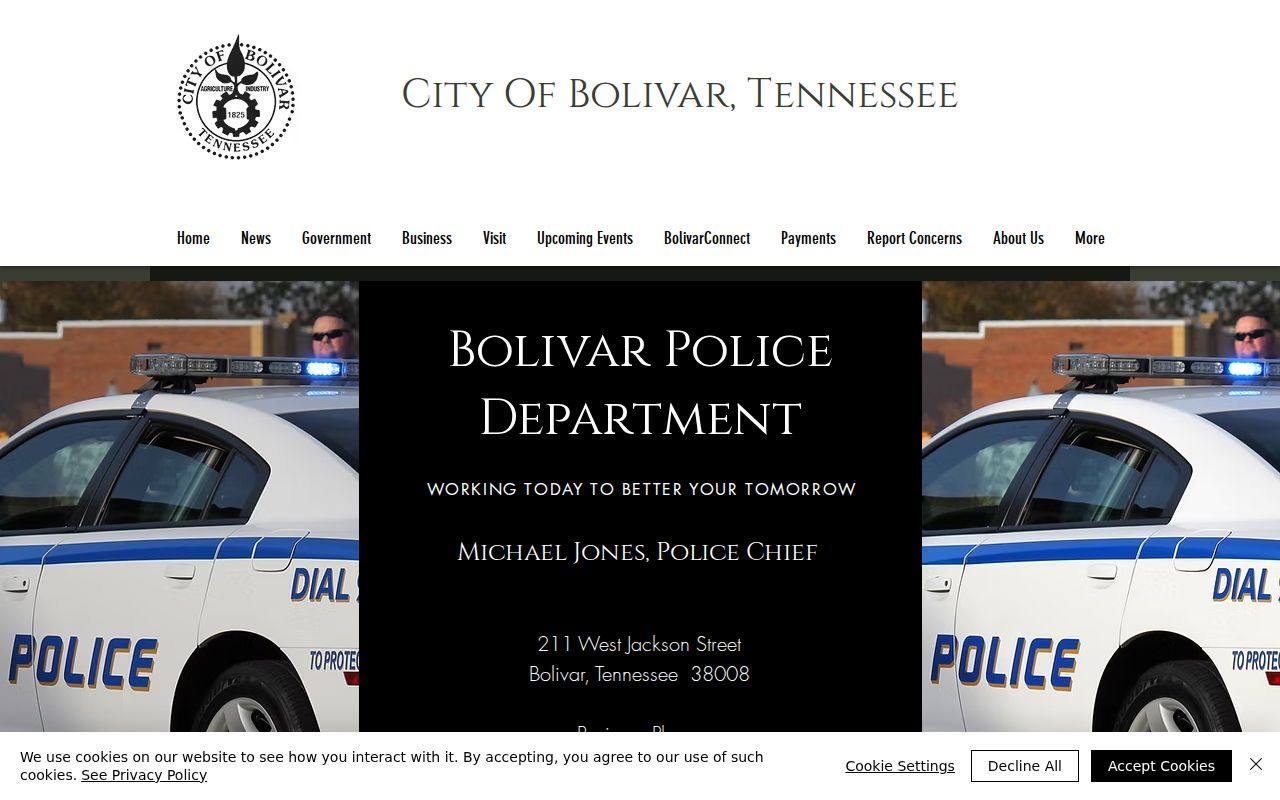
A Bolivar city citation stays a city-court question until the clerk confirms another court now holds it.
Policing and Courts in Bolivar
Bolivar is the county seat and largest incorporated place, with 5,205 residents in the 2020 Census. Police and the municipal-court clerk share the West Jackson contact point. Monthly court sessions convene at the Municipal Center. County offices sit elsewhere in the town's court and sheriff system.
Bolivar Police and Municipal Court
211 West Jackson Street, Bolivar, TN 38008
731-658-4284
Municipal-court clerk contact
Bolivar's city court page lists clerk hours of 8 a.m. to 4:30 p.m. on weekdays. Call before you travel about a case or court date.
Bolivar Warrant Office and Court Addresses
Bolivar's court route uses two city locations. The police and clerk contact sits at 211 West Jackson Street. Municipal court meets the second Tuesday of each month at Bolivar Municipal Center, 211 North Washington Street. The Municipal Center page posts the venue and city-office schedule, and its building hours differ from the court clerk's separate window.
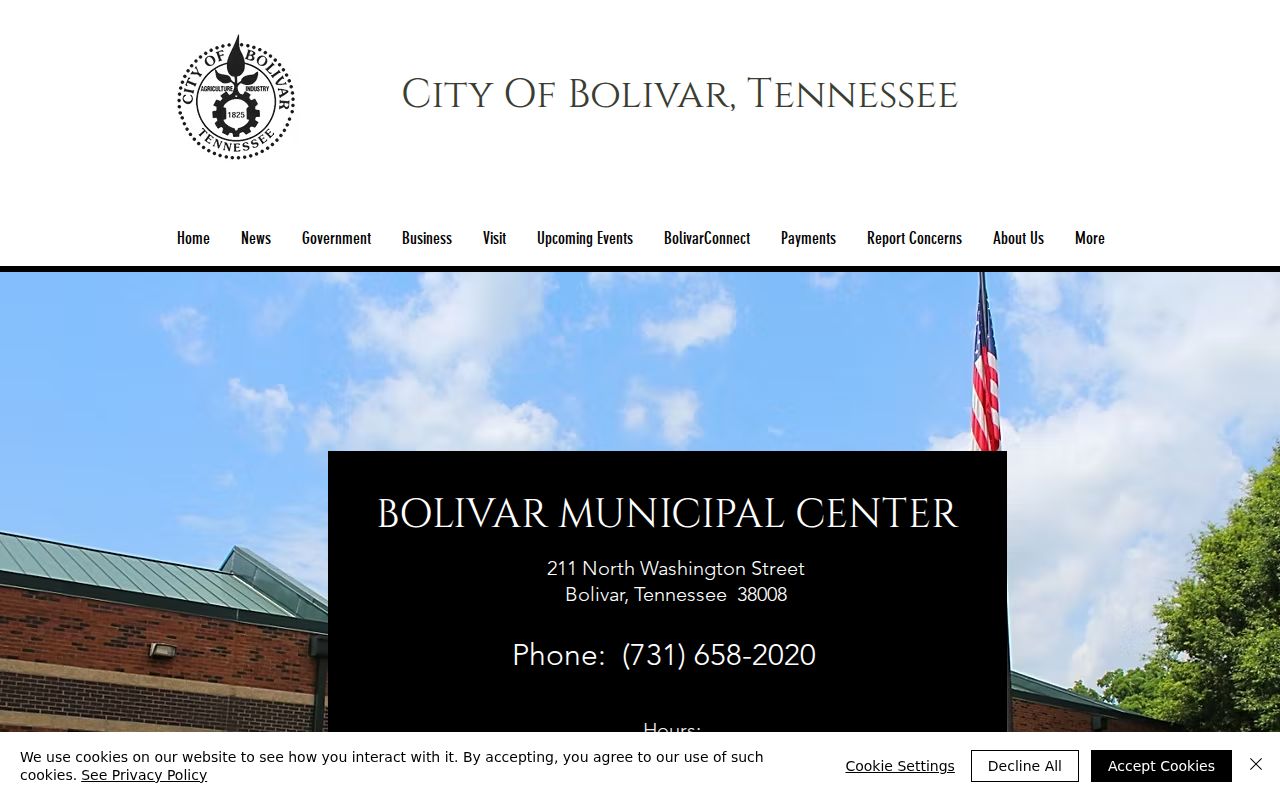
For Bolivar citation questions, use the court clerk's hours and confirm the meeting venue before any scheduled appearance.
Warrants in Bolivar: The Main Types
City process depends on the ticket or ordinance matter at hand. A missed required appearance can change what the clerk says you must do. Bolivar's public page shows no roster of warrant entries.
| City matter | How it arises | First office |
|---|---|---|
| Class C traffic | City citation within Bolivar | Municipal Court |
| Parking | Parking citation in city limits | Municipal Court clerk |
| FTA or bench process | Missed city court date or order | City judge or clerk |
A county criminal arrest warrant is not a Bolivar parking or traffic ticket. Ask the clerk which court holds the specific case.
Bolivar's Citation Payment Numbers
Bolivar's municipal-court page asks you to have a driver's-license number or citation number ready for online payment. A pay-by-phone option is listed at 844-662-1550. The page lists no warrant-status field or bond amount. The linked payment information shows a citation route only, not proof that overdue process was recalled.
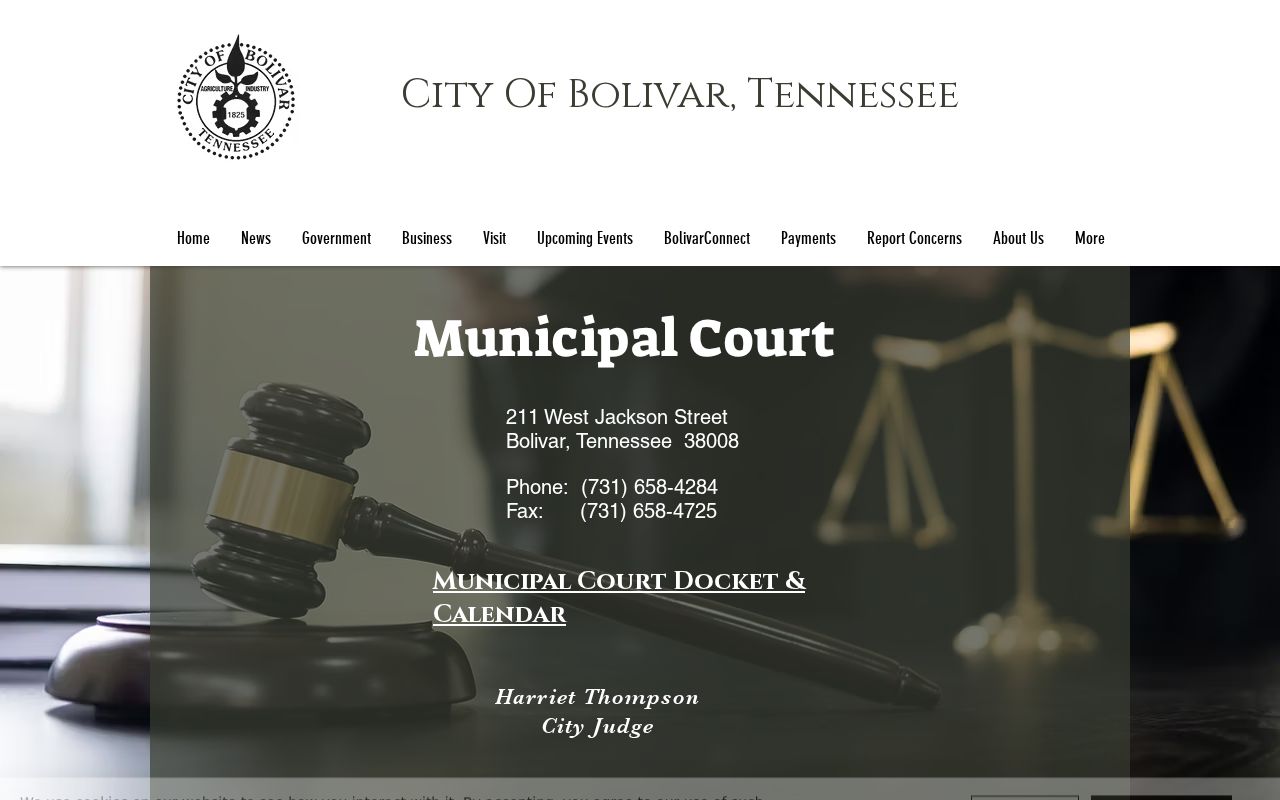
If the date has passed, ask Bolivar court staff whether an appearance is still required. Also ask whether the court has entered FTA process before you pay.
Bolivar Warrant Records: What They Show
Bolivar publishes no public warrant sample. The clerk can confirm the citation or case number, the issuing court, the payment balance, and any required appearance. Treat a payment number as just that, not a warrant number.
| Citation number | Use the number printed on the ticket or ask the clerk to locate it. |
|---|---|
| Driver information | A driver's-license number is another payment lookup field. |
| Case status | Ask whether the docket shows a missed date, FTA, warrant, or new setting. |
| Amount due | Confirm the current total and any payment-service charge. |
| Recall or release | Request a court receipt or order showing the change. |
Bolivar's Clerk and Court Calendar
Bolivar's official city page places municipal court on the second Tuesday of each month at the Bolivar Municipal Center. The clerk handles questions from 8 a.m. to 4:30 p.m. Monday through Friday. City administration keeps different counters: Monday through Thursday until 4:30 p.m., and Friday until 3:30 p.m. Those schedules serve different doors, so match your errand to the right one. Call 731-658-4284 with the citation or driver's-license number in hand. Ask whether the next court date is the right place to address a missed appearance, whether a payment can be accepted first, and which building to use.
Bolivar Warrants and Hardeman County
Warrant flow: Bolivar Municipal Court and Police › sheriff if process is referred › no single public Tennessee warrant portal. A Bolivar city citation begins with the city clerk; county criminal cases use the Hardeman County court and sheriff route. For the wider county contacts, use Hardeman County warrant records.
Bolivar's Public Record Requests
A Tennessee citizen may request an existing Bolivar city citation, docket entry, or court order under the Tennessee Public Records Act, subject to exceptions. Ask the city for inspection or copies of a specific record, not for an all-name warrant roster, which no office creates on request. If police rather than the court hold the record, ask the city's records contact which office has it. Copy charges may apply. The Comptroller's TPRA FAQ explains request methods and response steps.
Accessing Bolivar Warrant Records
Public access covers existing city records, but sealed material and protected juvenile or investigative records may be withheld. If Bolivar denies or redacts a request, ask for the reason and the proper review route. The public payment page is not a public warrant list.
Access rule: Tennessee's Public Records Act, Tenn. Code Ann. § 10-7-503, covers qualifying municipal records; confidentiality exceptions may apply. Use the Comptroller's guidance.
For an actual status, call the Bolivar municipal clerk and ask for written proof of any court action.
Bolivar Warrant Steps from Citation to Closure
Start with the paper. Keep your Bolivar citation and write down the court date on it. Bolivar Municipal Court convenes on the second Tuesday of each month at the Municipal Center, and the clerk answers questions at 731-658-4284 during weekday hours. Before you pay online or by phone through the city, ask whether the judge wants an appearance instead. If your date has passed, ask point blank whether the Bolivar court entered failure-to-appear process and which office holds the case now. Payments run by driver's-license or citation number, with 844-662-1550 listed for phone payments. Keep the receipt. Then have the clerk confirm that the docket and the warrant status both changed. The Bolivar Municipal Court page spells out the court and payment steps, though a payment confirmation alone is not a recall order.